WordPress Paywall Plugin

$69.00 / year

Unlock the full potential of your content with our newest WordPress Paywall Plugin, which is a new  Pay per Post plugin with a difference . This is the ultimate WordPress plugin for monetising articles easily and simply. Whether you publishes a text content on a post or a video or a PDF it does not matter. The visitors to your site can get access by just buying a single post.

  1. Per-Post / Per-Page Locking
  2. Category-Level Locking 
  3. Custom Post Type Support
  4. Per-Product Access Period (Days) 
  5. Configurable Global Default Access Days 
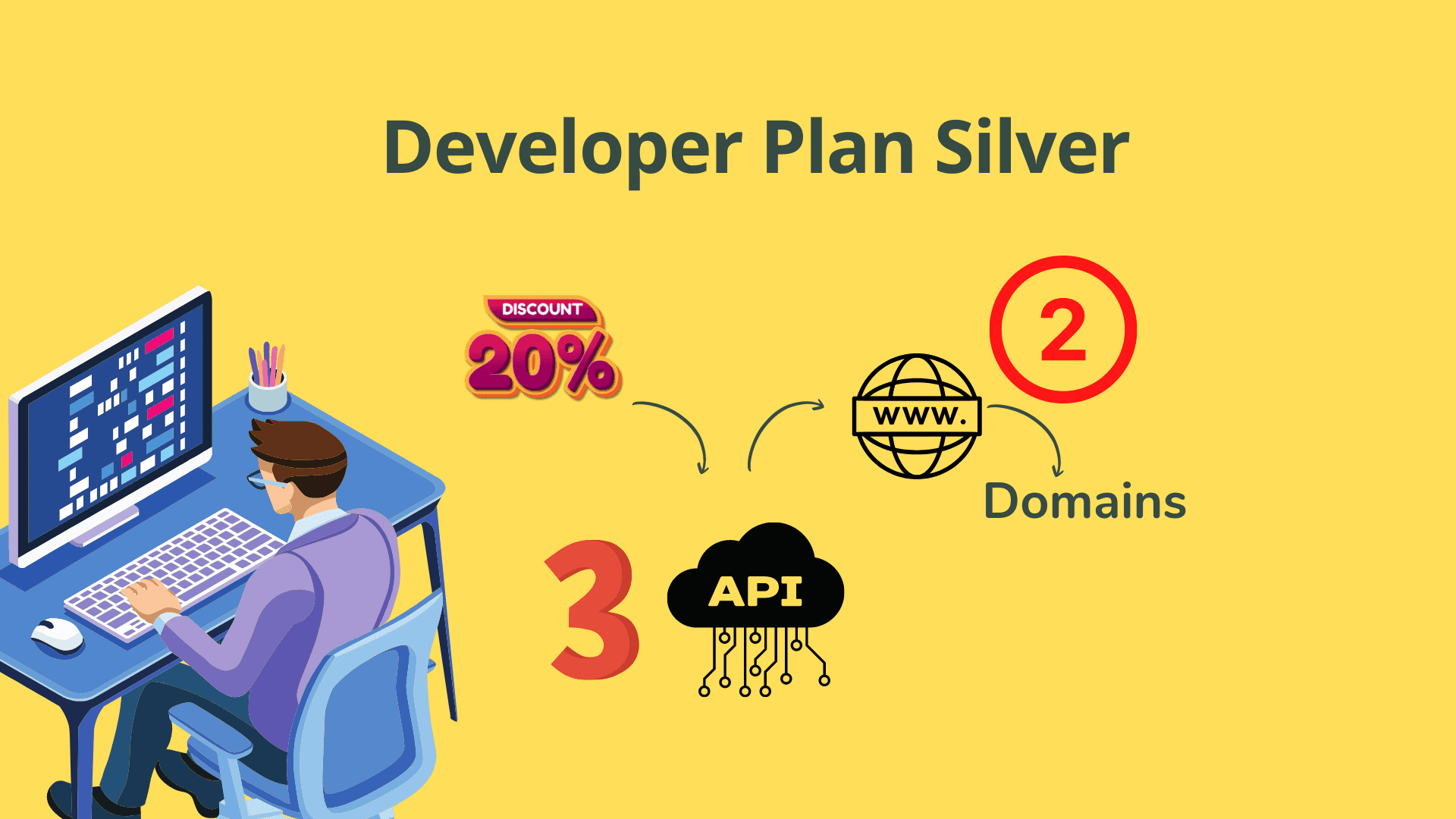
Want a discount? Become a member by purchasing Developer Plan -Silver!

69 USD

Get Paid for Every Post You Publish

The simplest WordPress paywall plugin built on WooCommerce. Lock any post, page, video, or PDF — let readers buy access instantly without subscriptions or complexity.

Get Instant Access
✓ Instant download✓ Annual licence✓ Free updates
WordPress Paywall Plugin

Sound familiar?

😩
Locking hundreds of articles one by one is exhausting

Traditional paywall plugins force you to create a new product for every single article you want to monetize, turning a simple task into a full-time job.

💸
Great content is leaking revenue every day

If visitors can read your posts, watch your videos, or download your PDFs for free, you're leaving real money on the table with no way to recover it.

🔧
Complex plugins with steep learning curves

Most monetization solutions require developer knowledge, confusing configurations, or third-party payment systems that take weeks to set up properly.

One Plugin. Lock Any Content. Get Paid Instantly.

WP Paywall is a pay-per-post WordPress plugin that works seamlessly with WooCommerce to lock any post, page, video, or PDF behind a purchase. Visitors see the paywall automatically — no coding, no complex setup, no developer needed.

Unlike any other plugin on the market, WP Paywall lets you lock hundreds or thousands of articles with a single WooCommerce product. Set it up in minutes: install the plugin, create a product, assign it to your content, and start earning.

Everything you get

🔒

Per-Post / Per-Page Locking

Lock any individual post or page directly from the post editor sidebar. The paywall displays automatically to non-buyers, and a WooCommerce product purchase is all that's needed to unlock access.

📂

Category-Level Locking

Lock every post inside an entire WordPress category from the Edit Category screen. No need to configure each post individually — perfect for launching a paid content section in seconds.

🗂️

Custom Post Type Support

The paywall works on any registered public post type, not just standard posts and pages. Choose which post types are covered directly from the plugin Settings page.

🌐

"All Posts" Product Mode

Configure a single WooCommerce product to unlock every locked post on the site simultaneously, enabling a flexible site-wide subscription pass model with zero extra setup.

⏱️

Per-Product Access Period (Days)

Each WooCommerce product in your Products list gets its own access duration in days. Access automatically expires after the configured number of days from the order date.

⚙️

Configurable Global Default Access Days

Set a global fallback access period in Settings. If a product has no specific days configured, this default applies — replacing the old silent 180-day hardcode with full transparency.

🛒

Seamless WooCommerce Integration

WP Paywall works hand-in-hand with WooCommerce to manage all sales and payments. Your content monetization is backed by one of the most robust and reliable eCommerce platforms available.

📄

Supports Text, Video & PDF Content

It doesn't matter what type of content you publish — written articles, embedded videos, or downloadable PDFs. WP Paywall locks and protects any content type behind a purchase.

Lock Thousands of Posts with One Product

Unlike traditional models requiring a new product per article, one WooCommerce product can lock hundreds or thousands of posts simultaneously, saving enormous time and streamlining your workflow.

🎯

Exclusive Pay-Per-Read Access Model

Readers can only unlock your content by purchasing it. Every read generates direct revenue — a true pay-per-post monetization model with no ad dependency or subscription friction.

🚀

Effortless 3-Step Setup

Install the plugin, create a product in WooCommerce, set your access timeframe in settings, and assign the product to your posts. Hit Publish and you're earning — no developer required.

🔄

Support & Updates Included

As long as your licence subscription is active, you receive full plugin support and any available updates, ensuring your paywall stays compatible with the latest versions of WordPress.

Up and running in 3 steps

1

Install & Connect WooCommerce

Install the WP Paywall plugin on your WordPress site and ensure WooCommerce is active. Create a product in WooCommerce that represents access to your locked content.

2

Configure Access Settings

In the WP Paywall Settings page, set your global default access period in days. Optionally assign per-product access durations, choose which post types are covered, and enable category-level or site-wide locking as needed.

3

Lock Your Content & Publish

From the post editor sidebar, select the WooCommerce product you want to lock your post with and hit Update or Publish. The paywall displays automatically to non-buyers — your content is now monetized.

Trusted by publishers worldwide

“I locked an entire category of 200 tutorial posts in under five minutes. Literally just picked the product from the category edit screen and it was done. The first sale came in the same day.”

Daniel R. — Online Publisher & Course Creator

“We switched from a complex membership plugin to WP Paywall and the setup time went from days to minutes. The WooCommerce integration is rock solid and the per-product expiry feature is exactly what we needed.”

Sarah M. — Digital Media Manager
✓ WooCommerce Compatible ✓ No Coding Required ✓ Instant Access ✓ Annual Updates ✓ Support Included

Simple, honest pricing

69 USD
per year · single site
  • Per-post and per-page content locking
  • Category-level bulk locking
  • Custom post type support
  • "All Posts" site-wide pass mode
  • Per-product & global access expiry (days)
  • WooCommerce payment integration
  • Supports text, video & PDF content
  • Support & updates while licence is active
Get Instant Access

Support included with your licence

Frequently asked questions

Do I need WooCommerce to use WP Paywall?

Yes. WP Paywall integrates directly with WooCommerce to handle all payments and product management. You will need WooCommerce installed and active on your WordPress site.

Can I lock hundreds of posts without creating a product for each one?

Absolutely. That's one of WP Paywall's core advantages. A single WooCommerce product can be assigned to lock as many posts, pages, or custom post types as you need — including every post on the site at once using the "All Posts" product mode.

How does content access expiry work?

Each WooCommerce product in your list can be given its own access duration in days. When a customer purchases access, their access automatically expires after that number of days from the order date. If no specific duration is set for a product, the global default from your Settings page applies.

Does it work with video and PDF content, not just text articles?

Yes. WP Paywall locks the post or page itself, regardless of what content is embedded or uploaded within it — written articles, YouTube or self-hosted videos, and downloadable PDFs are all protected equally.

What WordPress version is the plugin compatible with?

WP Paywall has been tested and confirmed compatible with WordPress Version 6.4. Support and updates are included while your licence subscription remains active.

Is the $69 price a one-time fee or a recurring subscription?

The listed purchase price is $69. Plugin support and updates are provided for as long as your subscription to use the plugin remains valid, keeping your paywall secure and up to date.

Start Monetising Your Content Today

Join publishers who are earning from every post, page, and PDF. Set up WP Paywall in minutes — no developer, no complexity, no leaving money on the table.

Get WP Paywall for $69 See all features
As an Amazon Associate I earn from qualifying purchases.