Sale!

Sensei Team WordPress Plugin

Original price was: $99.00.Current price is: $75.00. / year

Great news for Woo Sensei Users! Now , you can sell your course to a group of users  or maybe to companies and make one HR manager as their Team Leader . Sensei Team plugin  gives you the ability to sell user memberships to teams, companies, groups, or families instead of individuals. Sensei Team WordPress plugin will let you  create  a groups and its leader .Team leader can import his group members through CSV or Excel file..

The course administration can assign a team manager or group leader for a course and allow the team leader to upload the number of users approved by the course admin.

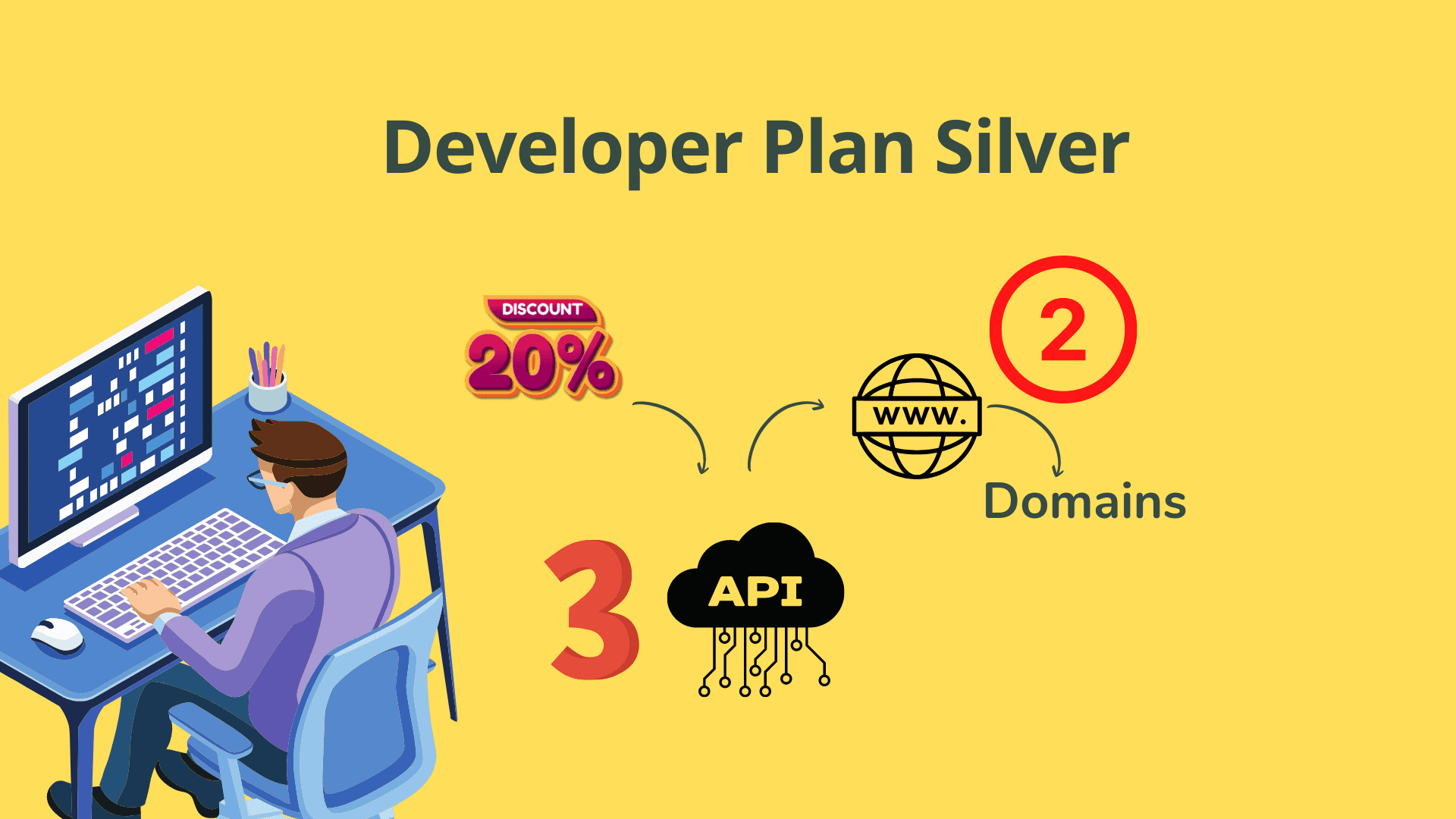
Want a discount? Become a member by purchasing Developer Plan -Silver or Developer Plan -Gold!

WordPress Plugin for Sensei LMS

Sell Sensei Courses to Entire Teams & Companies — Without Manual Admin Overhead

You can onboard 50-person company cohorts, delegate student management to HR managers, and keep enrolments in sync automatically — without touching a single user account manually.

✓ 1-Year License with Free Updates ✓ 30-Day Refund Guarantee ✓ Free Support Included
Get Sensei Team — $75/yr → Join hundreds of LMS admins who've automated their team enrolments
MOST POPULAR SENSEI EXTENSION Sensei Team WordPress Plugin dashboard screenshot

Don't take our word for it — watch it work

See how Sensei Team turns complex group enrolments into a 3-step process.

"Finally a plugin that lets my HR clients manage their own people." — LMS Admin
"CSV import saved us 4 hours per company onboarding. Game changer." — Course Creator
"Seat limits and group linking work exactly as described. Setup in 10 mins." — WordPress Developer

Still struggling with group course enrolments?

Every day without a team management solution costs you time, money, and clients.

😤

Selling one seat at a time to companies is a nightmare

When a business buys training for 50 employees, manually enrolling each user, resetting passwords, and tracking progress falls entirely on you — eating hours every week.

⏰ Every company client costs you 3–5 hours of setup time.

🔒

No way to delegate student management to HR

Sensei LMS has no built-in team leader concept, forcing course admins to handle every student account change, block, or upload themselves — with no delegation possible.

⏰ You become the unpaid HR admin for every client.

📋

Group enrolments & bulk imports are impossible

Without a team management layer, linking a cohort of students to multiple courses requires painful manual workarounds or expensive custom development.

⏰ Each new company client means custom dev time or pain.

Here's exactly what you get:

Every feature built to eliminate manual admin and scale your Sensei LMS business.

👥

Team Manager Registration — included

Register a dedicated team manager for any course. Each manager is identified by a unique two-character code used as the prefix for all their students' login names.

🔢

You get Seat Limit Enforcement

Set a maximum number of students each team manager can create. Attempts to exceed the limit are blocked automatically, and students unlock or re-block dynamically when you change the cap.

📥

CSV & Excel Bulk Import — included

Team managers and course admins can import group members in bulk via CSV or Excel file, eliminating manual account creation for large company cohorts.

✍️

You get Manual Student Creation

Students can also be created one at a time directly from the admin or team manager dashboard, giving full flexibility for small additions alongside bulk imports.

🔑

Default Password System — included

Set a default password at the team manager level. Any student created without an explicit password automatically inherits it, streamlining onboarding for large groups.

🚫

You get Admin & Manager-Level Blocking

Admins can block a team manager — instantly blocking all their students too. Team managers can block individual students, but cannot unblock any student an admin has blocked.

📊

Team Activity Reports — included

Team managers can view activity and progress reports for all members within their group, keeping HR leaders informed without granting them broader admin access.

🗂️

You get Student Groups Management

Organise students into named groups under a team manager. Adding or removing a student from a group automatically enrolls or unenrolls them from every course linked to that group.

🔗

Course–Group Linking — included

Assign a single course to multiple student groups simultaneously. All students in those groups are instantly linked to the course — no per-user enrollment needed.

🗑️

You get Clean Account Deletion

Deleting a team manager removes all their students and associated records. Deleting a student removes only that student's records. Ungrouping removes course links cleanly.

👁️

Scoped Manager Dashboard — included

When a team manager is logged in, they see only their own students, groups, and course links — completely isolated from other teams on the platform.

📋

You get Admin Manual Inside Dashboard

A full admin manual is available directly inside the WordPress admin panel, covering every advanced setting so admins always have reference documentation on hand.

🌐

Single-Domain Annual License — included

Each purchase authorizes use on one domain for one year, including free updates and support. The plugin remains functional after expiry but without support or upgrade access.

Up and running in minutes, not days

Three steps from install to fully automated team enrolments.

1
~2 minutes

Install & Register Your First Team Manager

Install the plugin on your WordPress site, navigate to the Team Manager panel, enter a unique two-character manager code, set a seat limit, and configure a default student password. The manager is ready.

2
~5 minutes

Import or Add Students to the Team

The team manager (or admin) imports group members via CSV or Excel file, or adds them manually. Student login names are auto-generated using the manager code as prefix. Students are instantly created.

3
Done ✓

Create Groups & Link Them to Courses

Organise students into named groups, then link those groups to one or more Sensei courses. Every student in the group is automatically enrolled. Additions or removals keep enrolments in sync with zero effort.

★★★★★

Trusted by LMS admins, course creators & WordPress developers worldwide

★★★★★

"This plugin transformed how we sell corporate training. HR managers now handle their own teams completely independently. Setup was quick and support was excellent."

— Corporate LMS Administrator

★★★★★

"The CSV bulk import alone saved me hours per client. Course-group linking is brilliant. Exactly what Sensei LMS needed for B2B course sales."

— Online Course Creator

🔒

✓ Secure Checkout

✓ Instant Access

🔄

✓ Annual Updates

💬

✓ Support Included

💰

✓ 30-Day Refund

Everything above, for just:

One low annual fee unlocks the full Sensei Team toolkit for your entire site.

$99
$75
per year · single domain
  • ✓ 1-year license covering one domain
  • ✓ Free plugin updates for subscription duration
  • ✓ Free support from the date of purchase
  • ✓ Bulk CSV & Excel student import
  • ✓ Team manager seat-limit controls
  • ✓ Student group & course-linking tools
  • ✓ Admin manual included inside dashboard
  • ✓ 30-day refund guarantee
Get Instant Access Now →

⚡ Instant download · Licence active today · No setup fees

Answers to your last few questions...

Everything you need to feel confident before you buy.

Does Sensei Team actually work with Woo Sensei / Sensei LMS?

Yes. Sensei Team is built specifically as an extension plugin for Woo Sensei / Sensei LMS. You must have Sensei LMS installed and active on your WordPress site for this plugin to function.

I run multiple sites — can I use one license everywhere?

Each purchase of Sensei Team covers one domain for one year. If you need to run it on multiple sites you will need a separate license for each domain.

What happens to my site when my subscription expires?

The plugin will remain installed and activated on your site after expiry, so your existing setup continues to work. However, you will no longer receive software updates or support until you renew your subscription.

Can a team manager enrol unlimited students without my permission?

No. The course admin sets a maximum seat limit per team manager. The manager cannot create more students than that limit. If the admin later reduces the limit, students exceeding the new cap are automatically blocked; increasing it unblocks them in order.

Can team managers see each other's students or data?

No. When a team manager logs in they see only their own students, groups, and course links. They have no visibility into other managers' data, keeping each team fully isolated.

What if it doesn't work for me — can I get a refund?

A 30-day full refund is available if you experience installation or functionality problems. Refunds are processed after you contact support and give the team a reasonable opportunity to resolve the issue first.

Start Selling Courses to Entire Teams Today

Get Sensei Team for $75/year — includes bulk CSV import, team manager controls, group–course linking, free updates, and a 30-day refund guarantee on a single-domain license.

✓ Instant access  ·  ✓ Annual updates  ·  ✓ 30-day money-back guarantee

As an Amazon Associate I earn from qualifying purchases.