Tutor LMS Custom User Import Plugin

$65.00 / year

Tutor LMS Custom User Import Plugin is an extension plugin for the excellent courseware plugin i.e Tutor LMS . This extension plugin facilitates the enrolment and registration of both student and instructor or teacher. All by just uploading a CSV file . The course admin can also import a student with completed course feature.

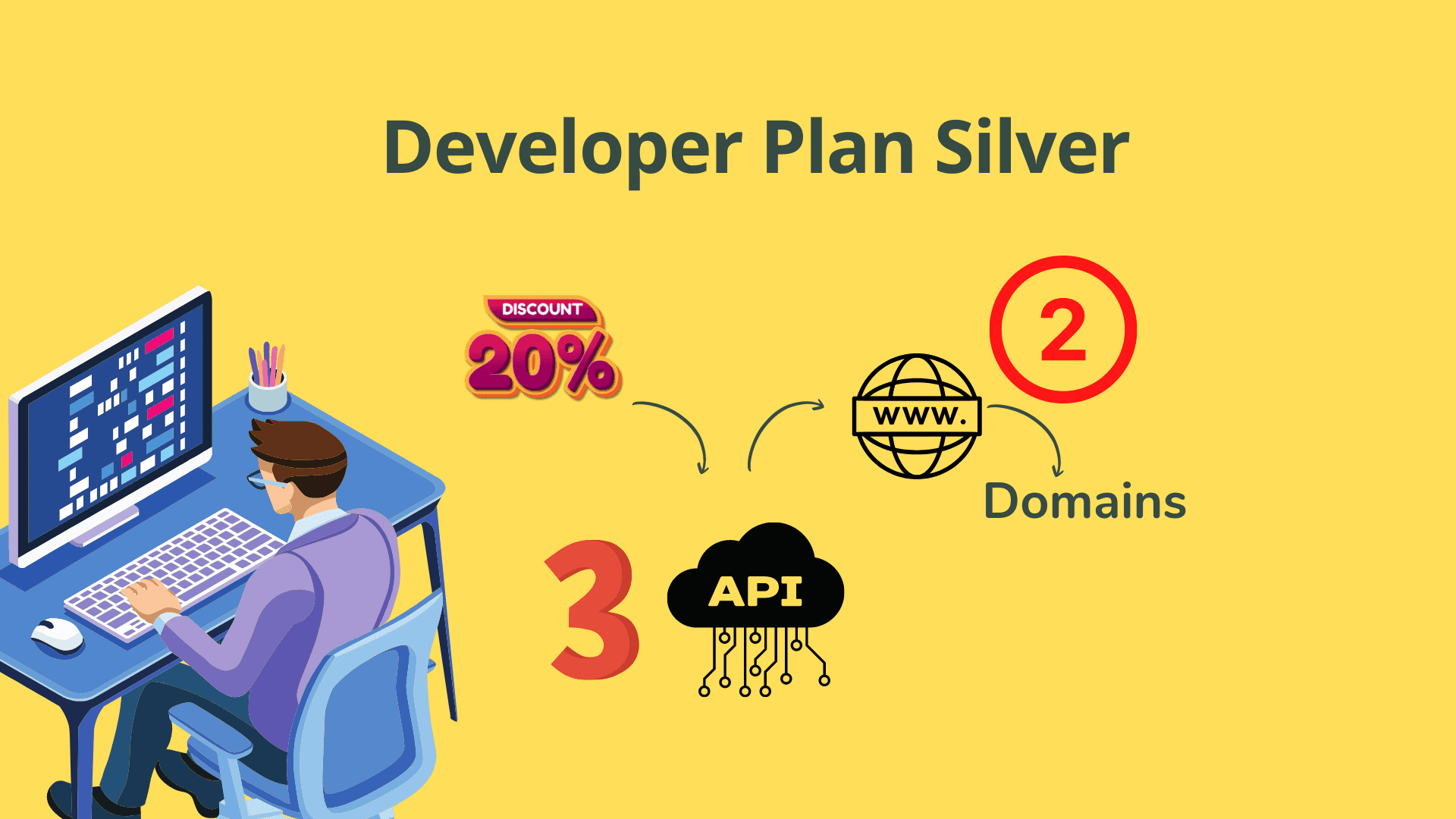
Want a discount? Become a member by purchasing Developer Plan -Silver or Developer Plan -Gold!

If you've ever spent an entire afternoon manually enrolling students into Tutor LMS…

…you already know how painful it is. One by one, form by form, course by course — for hundreds of learners. There has to be a better way. There is.

Tutor LMS Custom User Import Plugin lets you upload a single CSV and walk away while it handles everything.

✓ One-time purchase, $65 ✓ Single domain API licence ✓ Works with Tutor LMS
Tutor LMS Custom User Import Plugin screenshot

See the Story Unfold

Watch how one CSV file replaces hours of manual admin work inside Tutor LMS.

▶ Watch the Demo

Watch Demo Video on Tutor LMS Custom User Import

Watch how the Tutor LMS Custom User Import Plugin changes the way you onboard learners

Here's What We Hear Every Day

These frustrations are real — and they're costing you time you don't have.

"

😩 Manual enrollment is killing my time

Adding students and instructors one by one inside Tutor LMS is tedious and error-prone, especially when onboarding large cohorts or corporate batches.

"

📋 No easy way to handle corporate learners

When companies sponsor trainees, you need to capture organisation names and purchase order numbers — Tutor LMS alone has no built-in CSV import for this.

"

🔄 Migrating users is a complete nightmare

Moving learners from another platform means their completed courses show as incomplete. Re-marking them manually wastes hours of admin effort every single time.

Here's What Changes Everything

One CSV file. Every user enrolled, every course assigned, every completion recorded. The Tutor LMS Custom User Import Plugin replaces hours of manual admin with a two-minute file upload — no technical expertise required.

📥

Downloadable CSV Template

A ready-made CSV template can be downloaded directly from the plugin's settings page, so you always import data in the correct format without guessing column names.

👩‍🎓

Import Both Students & Instructors

Register and enroll students (trainees) as well as instructors or teachers using the same single CSV template file — no separate workflows needed.

📅

Custom Enrollment Date Support

Specify an exact enrollment date in MM/DD/YYYY format alongside the course ID, giving you full control over historical or future-dated enrollments.

Mark Courses as Completed on Import

Import a student and simultaneously mark a specific course as completed, ideal for migrating learners from other platforms without losing their progress history.

📚

Enroll Users in Multiple Courses at Once

Assign a single user to more than one course in a single row by supplying comma-separated course IDs — no need to run separate imports per course.

🏢

Corporate & Sponsored Learner Data

Capture and import Organisation name and Purchase Order number for company-sponsored trainees. This information is automatically saved to the user's personal profile page inside WordPress.

🔑

Single Domain API Licence

Each purchase includes an API licence valid for one domain. If you need to test on a staging site first, a one-time licence transfer to your live domain is available on request via email.

⚙️

Dedicated Plugin Settings Page

All configuration, template downloads, and import actions are managed from a clean, dedicated settings page within the WordPress admin dashboard.

Your Journey Starts Here

1

Download the CSV Template

After installing and activating the plugin, navigate to the plugin's settings page in your WordPress admin and download the pre-built CSV template. Everything is labelled clearly — no guesswork.

2

Fill in Your User & Course Data

Populate the template with student or instructor details, course IDs (comma-separated for multiple courses), enrollment dates, completion status, and any organisation or purchase order information for sponsored learners.

3

Upload & Import

Return to the plugin settings page, upload your completed CSV file, and click import. All users are registered, enrolled, and their profile data updated automatically in Tutor LMS — in seconds.

Built for Confidence, Backed by Support

✓ Secure Checkout
✓ Instant Download Access
✓ Dedicated Support Included
✓ Works with Tutor LMS
✓ One-Time Licence Transfer Available

One Decision That Changes Everything

A single, low one-time investment. No subscriptions. No recurring fees. Just results.

$65
One-time payment — yours forever
  • You get: import students and instructors via CSV
  • You get: a downloadable CSV template from the settings page
  • You get: custom enrollment dates (MM/DD/YYYY)
  • You get: mark imported courses as completed instantly
  • You get: enroll users in multiple courses at once
  • You get: import organisation name & purchase order number
  • You get: a single domain API licence included
  • You get: one-time licence transfer to live site on request

Your Questions, Honestly Answered

Does this plugin work with the free version of Tutor LMS?

Yes, it is an extension plugin built for Tutor LMS. Ensure you have Tutor LMS installed and active on your WordPress site before using this plugin.

Can I import both students and instructors with the same CSV file?

Yes. The single CSV template supports importing both students (trainees) and instructors or teachers in the same upload, with no separate files required.

How do I enroll a user in multiple courses?

Simply list the course IDs separated by commas in the course ID column of the CSV. The plugin will enroll the user in all specified courses in one import.

Can I mark a course as completed during the import?

Yes. The CSV template includes a field that lets you flag a course as completed for a specific student at the time of import, making platform migrations straightforward.

What happens if I need to use the licence on a staging site and then go live?

Each purchase covers one domain. If you activate the API on a staging site first and then need it on your live site, simply email the support team to request a one-time domain transfer at no extra cost.

What data can I include for corporate or sponsored learners?

You can include the sponsoring organisation's name and a purchase order number in the CSV. This data is automatically stored in the user's personal profile page within WordPress.

Ready to Enroll Hundreds of Users in Minutes?

Stop wasting hours on manual enrollment. Get the Tutor LMS Custom User Import Plugin for a one-time payment of $65 and start importing students and instructors today.

As an Amazon Associate I earn from qualifying purchases.