Tutor LMS Chat Plugin

$75.00 / year

Tutor LMS Chat Plugin enables conversation among students and teachers registered to a specific course. This chat plugin is based on the real Time Database of Firebase. Therefore, there is no load on your website and does not slow down the website. Further, the chat/conversation is very fast. Once you install this plugin, the course admin can enable or disable the facility of chat on a specific course. The one to one conversation between the teacher and the student is very important for conducting the course.

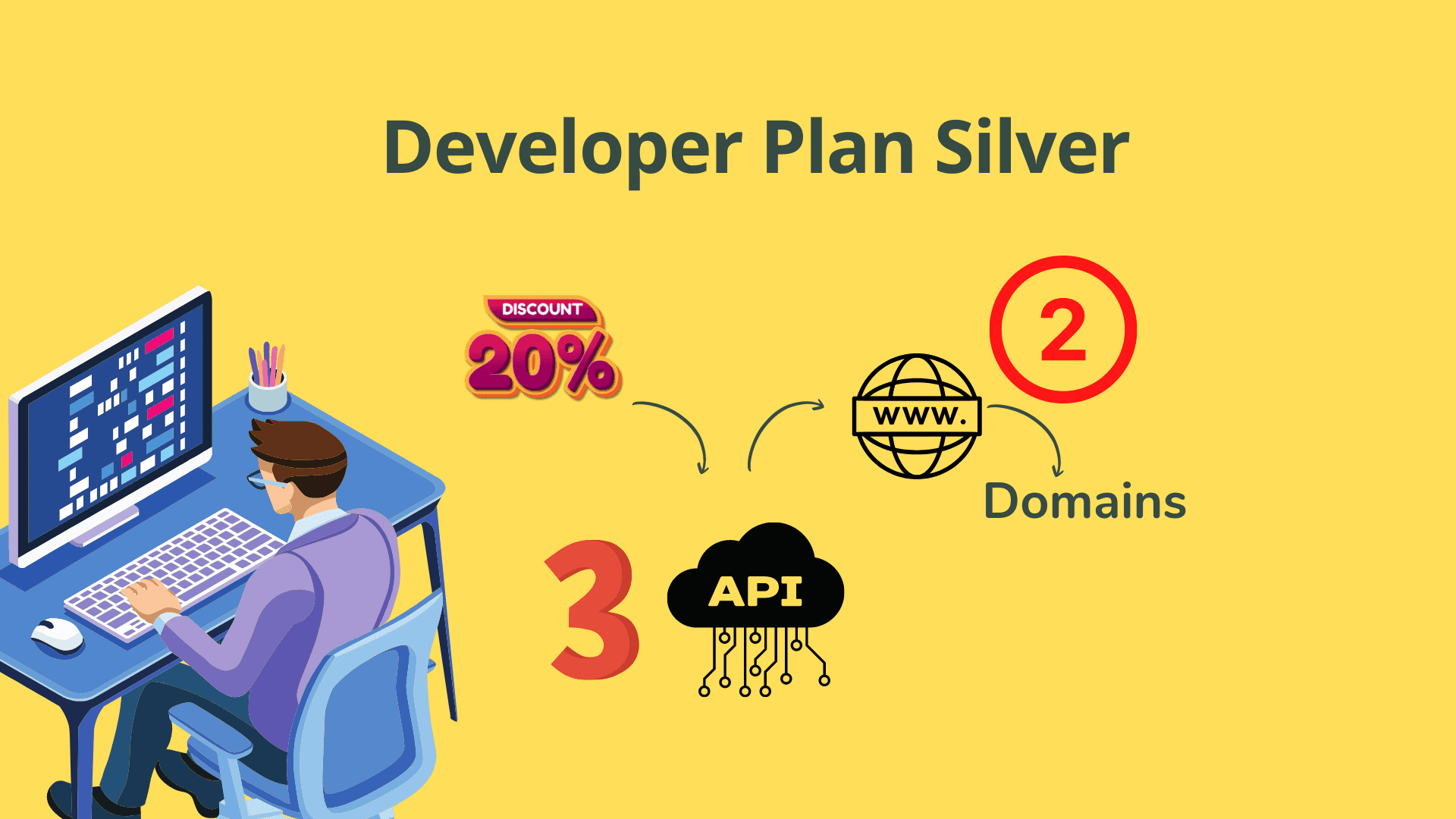
Want a discount? Become a member by purchasing Developer Plan -Silver or Developer Plan -Gold!

Built for Tutor LMS

Real-Time Chat for Your Online Courses

If you've ever watched a student struggle in silence — waiting hours for a reply to a simple question — you already know how much a slow feedback loop can cost a learner's progress. Teaching online shouldn't mean communication goes cold the moment class starts.

Connect students and teachers instantly inside Tutor LMS — powered by Firebase for lightning-fast, zero-load messaging on every course.

✓ Firebase-powered real-time messaging ✓ Single-domain licence included ✓ No server load on your website
Tutor LMS Chat Plugin interface screenshot

See It In Action

See the story unfold

Watch how Tutor LMS Chat Plugin changes the way teachers and students connect inside your courses.

▶ Watch the Demo

TutorLMS Chat Plugin Demo

Watch how Tutor LMS Chat Plugin changes the way you and your students work together in real time.

The Challenge

Here's what we hear every day:

"

🐢 My students wait hours for a simple answer

Without real-time chat, students are left guessing mid-lesson. Teachers lose the ability to guide learners effectively, and engagement drops fast.

"

⚙️ Every chat tool I've tried kills my page speed

Most chat solutions bolt on heavy scripts that slow everything down, hurt your SEO rankings, and frustrate every visitor — not just the ones chatting.

"

🔒 I can't control which courses get chat enabled

A one-size-fits-all approach forces messaging onto every course whether you want it or not — no flexibility, no granular admin control.

The Solution

Here's what changes everything:

Tutor LMS Chat Plugin brings real-time, one-to-one and group conversation directly into your Tutor LMS courses. Powered by Google Firebase's Real-Time Database, every message is delivered instantly — without touching your web server, meaning zero performance impact on your site.

Course admins stay in full control: enable or disable chat on any individual course in seconds. Teachers and students get a seamless, fast communication channel right where learning happens.

💬

Real-Time Course Chat

Students and teachers registered to a specific course can communicate instantly through a live chat interface embedded within the course. No switching tabs, no third-party apps.

🔥

Firebase Real-Time Database

All messages are handled through Google Firebase's Real-Time Database, ensuring ultra-fast delivery with no polling delays. Industry-grade infrastructure, already trusted globally.

🚀

Zero Website Load

Because Firebase handles all messaging infrastructure, there is no additional load placed on your web server or hosting environment. Your site stays fast for everyone.

Lightning-Fast Messaging

Messages are sent and received in real time, giving teachers and students a responsive, modern chat experience that feels as natural as a mobile messaging app.

👤

One-to-One Teacher–Student Conversations

Private, direct messaging between individual teachers and students supports personalised guidance and focused academic support right inside the course.

🎛️

Per-Course Chat Enable/Disable

Course admins can independently enable or disable the chat facility on each specific course, giving granular control over where communication is available.

🔑

Single-Domain API Licence

Each purchase includes an API licence valid for use on one domain, keeping your setup secure, properly licensed, and straightforward to manage.

🔄

Staging-to-Live Licence Transfer

If you first deploy on a staging site, a one-time additional API transfer to your live domain is available simply by emailing support — no extra cost.

Getting Started

Your journey starts here

Three simple steps from purchase to your first live conversation.

1

Install & Configure the Plugin

Purchase the plugin, receive your API licence key, and install it on your Tutor LMS WordPress site. Connect it to your Firebase Real-Time Database using the provided credentials — the setup guide makes it straightforward even if Firebase is new to you.

2

Enable Chat on Your Courses

As a course admin, navigate to any specific course settings and toggle the chat facility on or off according to your needs. You're in complete control — course by course, at any time, with no developer needed.

3

Students & Teachers Chat in Real Time

Enrolled students and course teachers can now message each other instantly within the course interface, with all conversations powered live by Firebase. Questions get answered fast, learners stay engaged, and progress never stalls waiting for a reply.

You're In Good Hands

Built with confidence, backed by support

Every purchase comes with the assurance that your investment is protected and your site is in safe hands.

✓ Secure Checkout ✓ Instant Access After Purchase ✓ Support Included ✓ Firebase-Grade Infrastructure ✓ Staging Domain Transfer Available

Investment

One decision that changes everything

Power your student–teacher communication with Firebase-backed messaging that is fast, zero-load, and fully under your control — for a single one-time fee.

$75 one-time payment
  • You get real-time Firebase-powered course chat embedded in your LMS
  • You get private one-to-one teacher–student messaging for personalised support
  • You get per-course chat enable/disable control in your admin settings
  • You get zero server load — all messaging handled off-site by Firebase
  • You get a single-domain API licence included with your purchase
  • You get a free staging-to-live domain transfer by simply emailing support
  • You get full compatibility with Tutor LMS on WordPress
  • You get lightning-fast message delivery with no polling delays

FAQ

Your questions, honestly answered

Will this plugin slow down my WordPress website at all?

No — not even slightly. All chat data is handled entirely by Google Firebase's Real-Time Database, so there is zero load placed on your web server. Your site's performance is completely unaffected, no matter how many students are chatting at once.

Can I choose which courses have chat turned on?

Yes, absolutely. The course admin can independently enable or disable the chat feature on each individual course. You have full per-course control and can change settings at any time from your admin panel.

Is this a one-time payment or will I be billed again?

This is a straightforward one-time purchase of $75 USD. You receive an API licence for use on one domain with no recurring subscription fees.

I want to test on staging first — can I then move the licence to my live site?

Yes. If you first activate the API on a staging site and then need to deploy on your live site, simply send an email to support requesting a one-time domain transfer. There's no additional charge for this.

How many domains can I use with one licence?

Each purchase covers a single domain only. If you need to use the plugin on multiple websites or domains, you would need to purchase an additional licence for each one.

Can teachers and students have private one-to-one conversations?

Yes. The plugin supports direct one-to-one conversations between individual teachers and students, which is central to providing personalised course support. Private messaging is a core feature, not an add-on.

Add Real-Time Chat to Your Tutor LMS Courses Today

Power your student–teacher communication with Firebase-backed messaging that is fast, zero-load, and fully under your control — for a one-time fee of $75.

As an Amazon Associate I earn from qualifying purchases.