Developer
Gold Plan
Developer
Silver Plan

$95.00
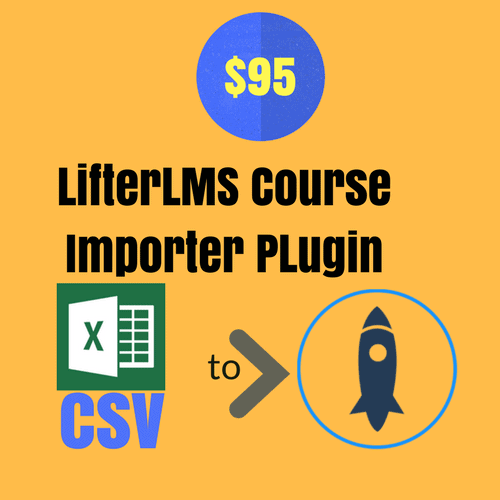
LifterLMS CSV Course Import Plugin is a great productivity tool for anyone who uses the wonderful course ware plugin -LifetrLMS- for creating and running online courses on WordPress platform.
 LifterLMS CSV Course Import Plugin is a great productivity tool for anyone who uses the wonderful courseware plugin -LifetrLMS for creating and running online courses on the WordPress platform. As you know, we had earlier launched Excel to LIfterLMS Question Importer plugin .So now you can open an excel CSV template, fill in columns and upload the CSV file. Everything will be placed under the fields with LifterLMS as if you created courses and lessons with all categories and tags one by one. It’s a great time saver!
The special CSV template given with the plugin has columns for
On purchase of the product above, you get an API license for use on one domain. The purchase of the product is subject to Buyer’s Agreement. If you use the API first on the staging site and want to deploy on the live site, send an email asking for one time another API .
Extension Plugin for LifterLMS
Excel to LMS Plugins
Excel to LMS Plugins
Export Plugins
Excel to LMS Plugins
Extension Plugin for LifterLMS