Export LifterLMS Courses to Excel Instantly
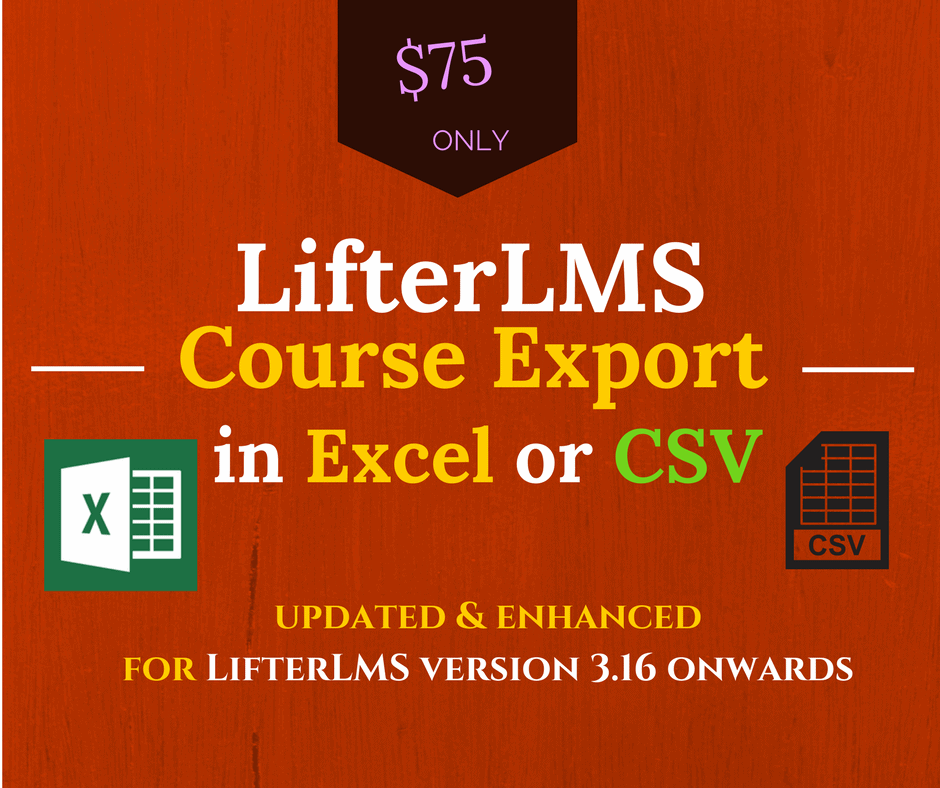
Export your LifterLMS courses, lessons, and sections to Excel (XLSX) or CSV format in just a few clicks — one course or all at once.
See It Live
Demo of LifterLMS Course to Excel or CSV Export plugin
Why Managing LifterLMS Data Gets Painful
😤 No native export in LifterLMS
LifterLMS doesn't include a built-in way to export your course structure, forcing you to manually copy content or rely on clunky workarounds.
📋 Managing course content is a spreadsheet nightmare
Without an export tool, auditing lessons, sections, and course data across multiple courses wastes hours of your time.
🔄 Migrating or backing up course data is painful
Moving course structures between sites or creating offline records means painful manual data entry — unless you have the right export tool.
The Simplest Way to Export Your LifterLMS Course Data
LifterLMS Course Exporter integrates directly with LifterLMS (3.16+) to export your full course structure — courses, lessons, and sections — into Excel or CSV with minimal effort.
Choose to export one specific course or export all courses on your LifterLMS site in a single action — full flexibility for any workflow.
Export your course data in native Excel XLSX format, ready to open in Microsoft Excel, Google Sheets, or any compatible spreadsheet app.
Export to CSV for maximum compatibility with any data tool, CRM, migration script, or spreadsheet application.
The export includes your full course structure — courses, lessons, and sections — giving you a complete picture of your content hierarchy.
Built specifically as an extension for LifterLMS version 3.16 onwards, ensuring clean integration with no conflicts with your existing setup.
Each purchase includes an API license for use on one domain, keeping your installation legitimate and supported.
If you activate your license on a staging site first, simply email support for a one-time API transfer to your live domain at no extra cost.
Get access to free plugin support for as long as your annual subscription remains active — help is available when you need it.
Receive all plugin updates automatically included with your active annual subscription, keeping you compatible with the latest LifterLMS versions.
The license operates on an annual subscription basis, ensuring you always have access to the latest version and ongoing support.
Purchase with confidence — a 30-day full refund guarantee is included on every purchase, no questions asked.
Up and Running in Three Simple Steps
Install & Activate the Plugin
Purchase the plugin, download it, and install it as an extension on your LifterLMS-powered WordPress site (requires LifterLMS 3.16+). Activate your API license key for your domain.
Choose Your Export Options
Select whether you want to export a single course or all courses. Then choose your preferred output format — Excel (XLSX) or CSV — depending on how you plan to use the data.
Download Your Export File
Run the export and download your structured spreadsheet file containing all courses, lessons, and sections. Open it in Excel, Google Sheets, or any compatible tool.
Built for Confidence
Every purchase is backed by our commitment to quality, security, and ongoing support.
Everything Included, One Clear Price
- Export single course or all courses
- Excel (XLSX) and CSV export formats
- Includes courses, lessons & sections
- Single domain API license
- Staging-to-live domain transfer available
- Free support while subscription active
- Free updates while subscription active
- 30-day full refund guarantee
Your Questions, Answered
Which version of LifterLMS does this plugin require?
The plugin is compatible with LifterLMS version 3.16 and above. Please ensure your LifterLMS installation is updated to at least this version before installing the exporter.
Can I export all my courses at once or only one at a time?
Both options are available. You can export a single specific course or export all courses on your site in one action, giving you full flexibility.
What data is included in the export file?
The export includes your full course structure: courses, lessons, and sections. This gives you a complete hierarchical view of your LifterLMS content in spreadsheet format.
Can I use this plugin on more than one website?
Each license covers one domain only. If you need to use the plugin on multiple sites, you will need to purchase a separate license for each domain.
I activated the license on my staging site. Can I move it to my live site?
Yes. Simply send an email to support requesting a one-time API transfer from your staging site to your live domain. This is provided at no additional cost.
What happens if I decide the plugin isn't right for me?
A 30-day full refund guarantee is included with every purchase. If you are not satisfied within 30 days of purchase, you can request a full refund.
Start Exporting Your LifterLMS Courses Today
Get instant access to the LifterLMS Course Exporter plugin — export to Excel or CSV, free support and updates included, backed by a 30-day money-back guarantee.