Developer
Gold Plan
Developer
Silver Plan

$75.00 / year
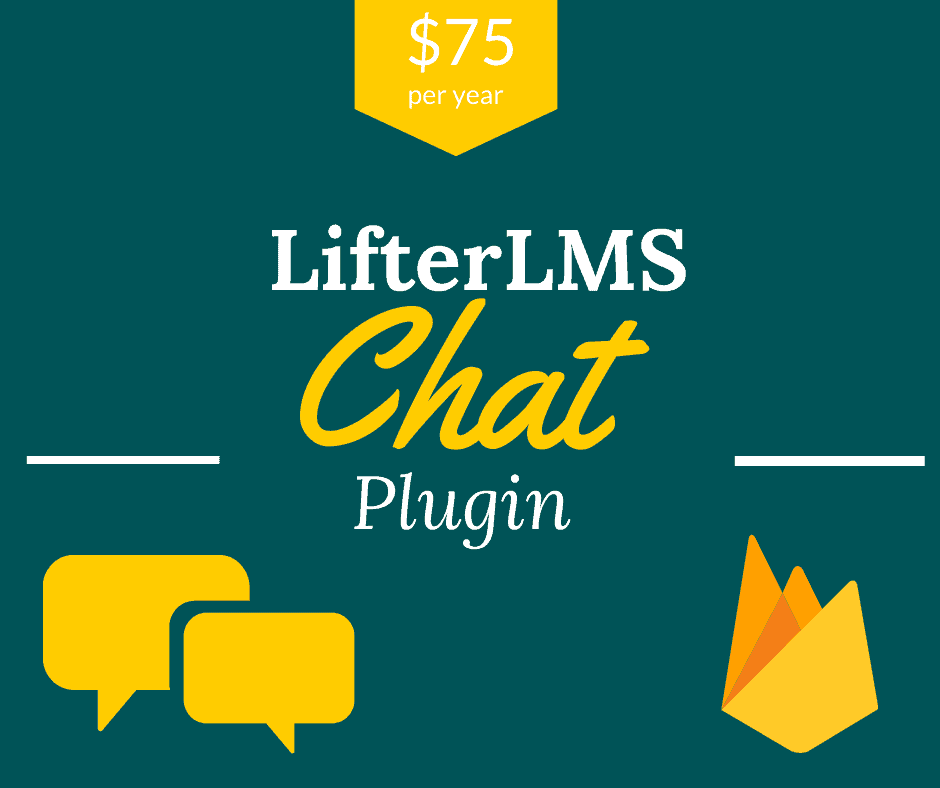
LifterLMS Chat Plugin is a new version of our chat plugin. The new LifeterLMS chat plugin is coded completely fresh. The use of a firebase realtime database not only deliver chat message very fast but also takes away any load on your website. The is magical because then your website load speed is not compromised. enables chat among students and teachers registered to a specific course. Once you install this plugin, the course admin can enable or disable the facility of chat on a specific course. The one to one conversation between the teacher and the student is very important for conducting the course.
LifterLMS Chat Plugin is based on Firebase and coded fresh. So this i is replacing the old chat plugin. The new Sensei LMS chat plugin enables chat among students and teachers registered to a specific course. This chat plugin is based on the real Time Database of Firebase. Therefore, there is no load on your website and does not slow down the website. Further, the chat/conversation is very fast. Once you install this plugin, the course admin can enable or disable the facility of chat on a specific course. The one to one conversation between the teacher and the student is very important for conducting the course.
 The chat plugin is using the Real-Time Database of Firebase. Thus there is no load on your LifterLMS website and the chat is also very fast.
 The course Admin can set chat application to work on course wise. If allowed by Admin, a teacher can enable or disable chat for a course. Only students registered for a course can chat with each other.
 Participants in a chat can send files of type-PDF, XLS or DOCs. Apart from that users can also send images.
 The chat plugin has a facility of deletion of one’s own message by the student or teacher. But this facility is available only if Admin has allowed it.
If the students or teacher have put an image on their profile page, it will be automatically fetched by the chat app. So there will be clear identification of the person who is chatting at a particular point in time
 Admin has a greater choice of setting up notification sounds that alert students or teachers that messages have arrived.
On purchase of the product above, you get an API license for use on one domain only. The purchase of this product is subject to the Buyer’s Agreement. If you use the API first on the staging site and want to deploy on the live site, send an email asking for one time another API.

Extension Plugins for Sensei

Extension Plugins for Sensei

Excel to LMS Plugins

Extension Plugins for Sensei

Excel to LMS Plugins

Extension Plugins for Sensei

Excel to LMS Plugins

Extension Plugins for Sensei