Learnpress Course Exporter in CSV or Excel

$65.00

Here is our newest extension plugin for the Learnpress courseware plugin. Now you can export all or just one course along with all associated lessons, sections, categories etc.  Simply install it and with a click of a button can export courses, lessons, sections with other details in a spreadsheet.

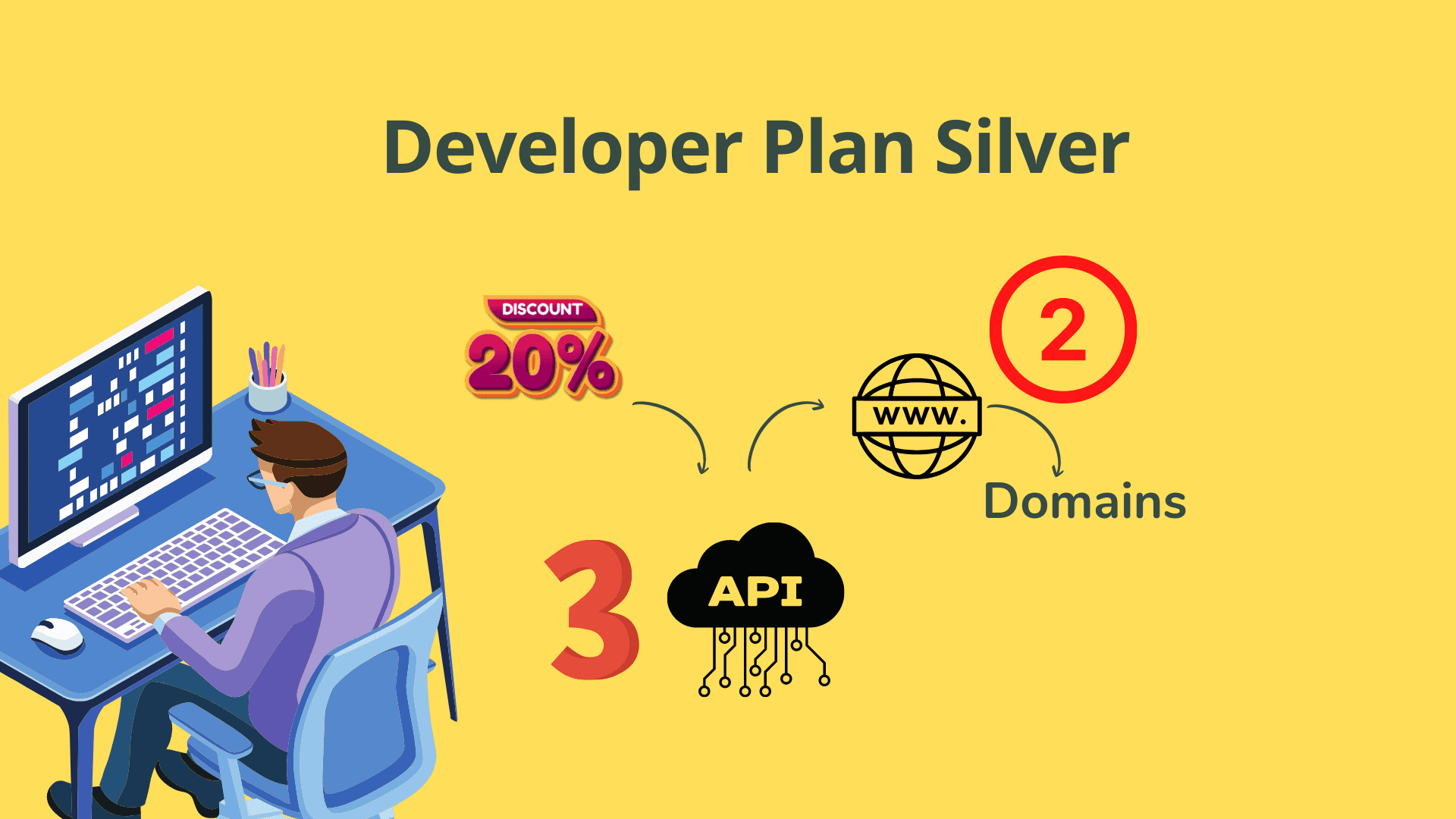
Want a discount? Become a member by purchasing Developer Plan -Silver or Developer Plan -Gold!

If you've ever spent hours recreating a course from scratch just to move it to another site…

…you already know how painful that is. Copying lessons one by one, rebuilding every section, hunting down categories — all because LearnPress has no built-in export tool. There's a better way. A much, much better way.

✓ Single Domain API Licence ✓ Free Updates for Subscription Duration ✓ Free Support for Subscription Duration
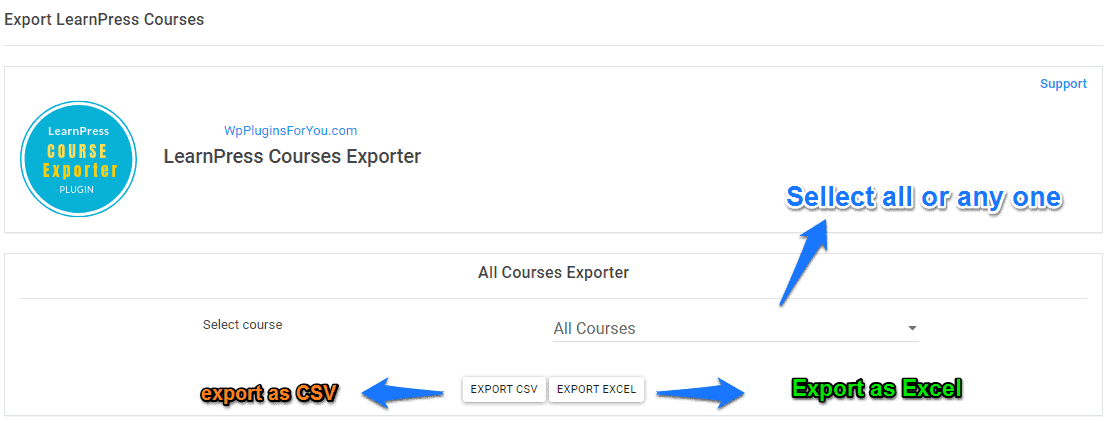
LearnPress Course Exporter plugin screenshot

See the story unfold

Sometimes it's easier to just watch. Here's exactly how the plugin works from install to exported spreadsheet.

▶ Watch the Demo

Watch the demo Learnpress Course Exporter in CSV or Excel

Watch how the LearnPress Course Exporter changes the way you manage and migrate your courses.

Here's what we hear every day:

😤 Manually migrating courses is a nightmare

Moving LearnPress courses between sites means recreating every lesson, section, and category by hand — wasting hours of your time.

📋 There's no built-in export tool

LearnPress doesn't offer a native export option, leaving you with no easy way to back up or transfer your course content.

🔄 Import and export templates never match

Switching tools often breaks your data because the export format doesn't match what the importer expects — causing errors and lost content.

Here's what changes everything:

The Learnpress Course Exporter plugin gives you a single-click solution to export any or all of your LearnPress courses into a structured CSV or Excel spreadsheet — complete with lessons, sections, categories, and all associated details.

Because the export template is intentionally kept identical to our Learnpress Course Importer plugin template, you can move course content from one WordPress site to another seamlessly, with zero reformatting required.

📤

Export All Courses at Once

Select all your LearnPress courses and export them together in a single spreadsheet with one click — no fuss, no repetition.

🎯

Export a Single Course

Choose any individual course to export only that course along with its complete structure and content when you need surgical precision.

📚

Lessons Included in Export

All lessons associated with each course are captured and included in the exported file automatically — nothing left behind.

🗂️

Sections Included in Export

Course sections are fully exported, preserving the structural organisation of your courseware exactly as you built it.

🏷️

Categories Included in Export

Course categories and associated metadata are exported alongside course and lesson data so nothing is orphaned or lost.

📊

CSV & Excel Export Formats

Export your course data in either CSV or Excel format, giving you flexibility in how you store, share, or open the file.

🔗

Matched Import Template

The export template is kept identical to the Learnpress Course Importer plugin, enabling direct re-import without any reformatting.

🔑

Single Domain API Licence

Each purchase grants an API licence for one live domain, ensuring a secure and legitimate installation you can rely on.

🖥️

Staging Site Support

Need to test first? Request a one-time additional API key for your staging environment via email at no extra cost.

🔄

Free Updates for Subscription Duration

Receive all future plugin updates at no additional charge for the full duration of your subscription — stay current always.

🛠️

Free Support for Subscription Duration

Access dedicated support throughout your subscription period to help with setup, usage, or any technical questions you encounter.

Tested on WordPress & LearnPress

Verified compatible with WordPress 5.1.1 and LearnPress version 3.2.5.3 for reliable, stable performance you can count on.

Your journey starts here

Three simple steps stand between you and a clean, portable spreadsheet of all your course content.

1

Install the Plugin

Purchase the plugin, download the zip file, and install it on your WordPress site just like any standard WordPress plugin. You'll be ready in under two minutes.

2

Select Courses to Export

From the plugin dashboard, choose to export all courses at once or select a single specific course to export. You're in full control of what goes into the file.

3

Download Your Spreadsheet

Click the export button and instantly download a CSV or Excel file containing all your course data, ready for backup, sharing, or direct import into another site.

Built on principles you can trust

Every purchase is backed by a set of commitments we take seriously — because your time and your course data are too valuable to risk.

🔒 Secure Checkout ⚡ Instant Download Access 🔄 Free Updates Included 🛠️ Dedicated Support Included 🌐 Staging Key Available

One decision that changes everything

You'll never waste a Saturday manually rebuilding courses again.

$65 annual subscription/ per licence
  • You get instant export of all or individual LearnPress courses
  • You get full lessons, sections & categories in every export
  • You get both CSV and Excel export formats
  • You get a template matched perfectly for direct re-import
  • You get a single domain API licence for your live site
  • You get a staging site API key available on request
  • You get free updates for the full subscription duration
  • You get free dedicated support for the full subscription duration

Your questions, honestly answered

No fluff. No runaround. Here's exactly what you need to know before you buy.

Can I export just one course instead of all of them?

Yes. The plugin allows you to export either all courses at once or select a single specific course to export on its own — it's your call every time.

What data is included in the export file?

The export includes courses, lessons, sections, categories, and all other associated course details in a structured spreadsheet format. Nothing important is left out.

Can I use the exported file to import courses into another site?

Absolutely. The export template is kept identical to our Learnpress Course Importer plugin template, so the file can be imported directly without any reformatting.

Which WordPress and LearnPress versions is this compatible with?

The plugin has been tested on WordPress 5.1.1 and LearnPress version 3.2.5.3. If you're running a different version, contact support before purchasing and we'll let you know.

Does the licence cover multiple domains?

Each purchase grants a single domain API licence for one live site. If you need to test on a staging environment, you can request a one-time additional API key by emailing support — at no extra cost.

Are updates and support included with the purchase?

Yes. Free updates and free support are both included for the duration of your subscription, so you stay covered as the plugin evolves and WordPress moves forward.

As an Amazon Associate I earn from qualifying purchases.