Developer
Gold Plan
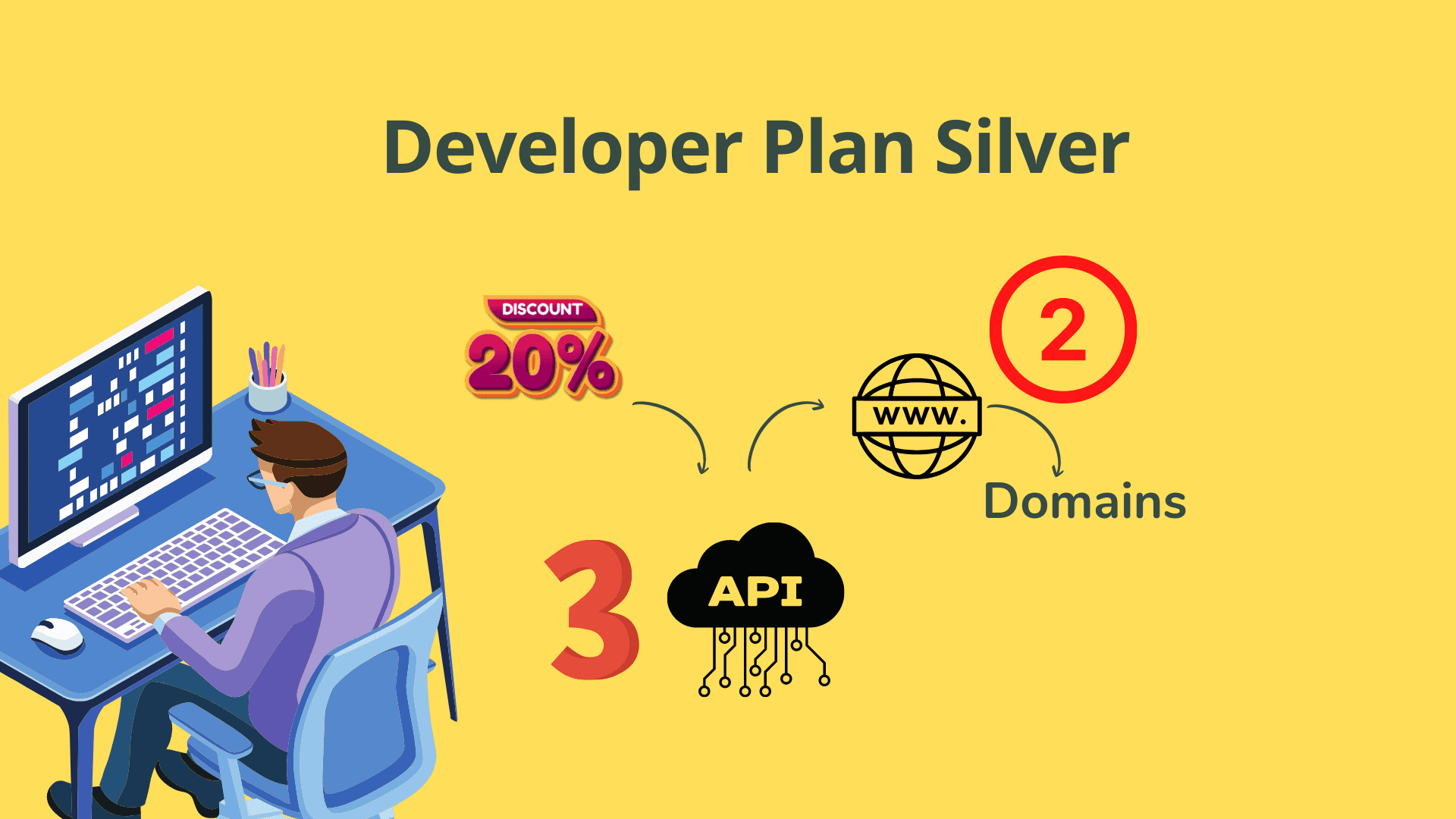
Developer
Silver Plan

$99.00 / year
Learndash Sticky Q&A (Question & Answer) plugin is our newest tool for Learndash based course creators. Once you install this, your course delivery will enhance multifold because your student will be able clear his or her doubts or ask questions on any course or lesson or topic in a way, that was always aspired for. That is, raising doubt at a place on the content, where a student has doubt. So, if the student has a doubt or question on the first paragraph, he/she can raise the question exactly that place.
Learndash Sticky Q&A (Question & Answer) plugin is our newest tool for Learndash-based course creators. Once you install this, your course delivery will enhance multifold because your student can clear his or her doubts or ask questions on any course, lesson, or topic in a way that was always aspired for. That is, raising doubt at a place on the content where a student has doubt. So, if the student has a doubt or question in the first paragraph, he/she can raise the question exactly in that place.
With version 4.1.1 –2 new things can be done.
Tested on WordPress 6.+ and Learndash 4.2.+
Learndash Sticky Q&A WordPress plugin is the newest and revolutionary question-answer or commenting system that Learndash Course creators can use to increase the engagement of student enrolled to its courses thereby providing greater interaction among students and teacher community.
The question or comments or notes stick at exactly on the line of a paragraph where the question/comment is made. A small question mark icon appears there .So, it neither increases the size of the page nor it affects the page load timing .
Students can ask further question/make comment or create a note within a table on a post or page
Students can create private notes on a course/lesson/topics, if site admin allows it.These private notes are not visible to any user including site admin.
If admin delegates the task of reply to Teacher/Instructor role, then every time a student comments or asks a question on an lessons or topic of a course , the teacher/Instructor can answer the question. This plugin makes your courses very interactive because of this .
Student can always see what question/note/comment and at what page he/she made in a table of comments which is is saved to his/her account.Student can visit the table from front end widget.
Admin can auto-approve comments or note on all or some posts /pages. Further notes or comment appears or visible on the page only if the Admin approves.
Other students can like or dislike a comment or note. These liking or disliking are aggregated for statistical purpose.
When a student creates a note or reply on another student’s question comment /note, the original commentator or the person who started the note gets a notification by mail.
The numbers of words that students can write in a question or note are set by default at 20 Words. Admin can increase or decrease it.User’s avatar with username appears in the question/note/comments.
On purchase of the product above, you get an API license for use on one domain. The purchase of the of product is subject to Buyer’s Agreement. If you use the API first on staging site and want to deploy on the live site, send an email asking for another one time another API.
Watch Video Tutorials
Excel to LMS Plugins

Extension Plugins for LearnDash

Excel to LMS Plugins
Excel to LMS Plugins

Extension Plugins for LearnDash

Excel to LMS Plugins
Excel to LMS Plugins

Extension Plugins for LearnDash