Developer
Gold Plan

Developer
Silver Plan


$45.00 / year
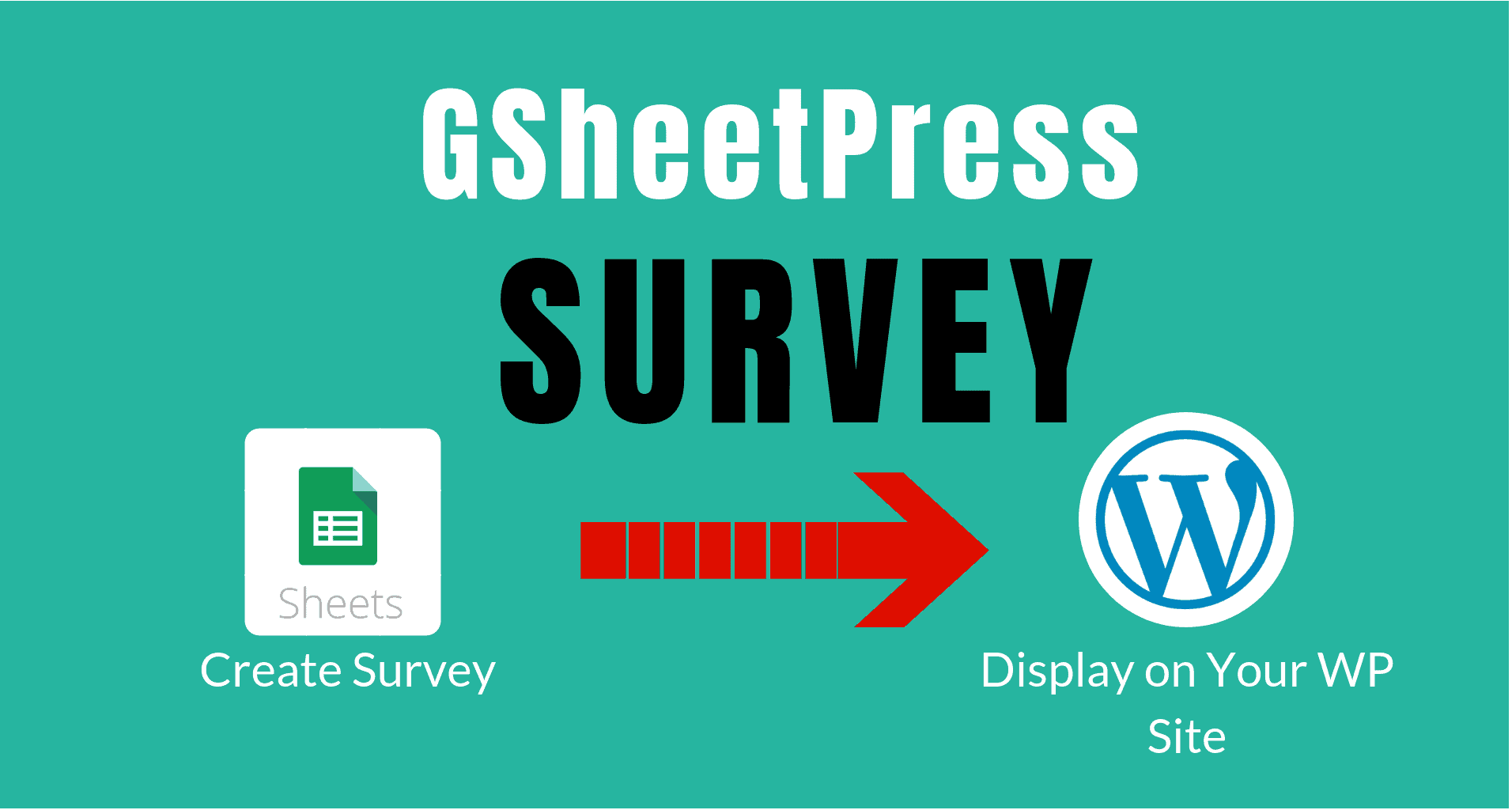
If you want to create surveys on Google sheets and desire to analyse the responses on your Google spreadsheet, you can use this amazing WordPress plugin . We named it GSheetPress Survey WordPress plugin . This WordPress plugin works with a special free Addon for the Google Spreadsheet– GsheetSurvey . It lets user easily create survey on any topic for his/her WordPress site.
If you want to create surveys on Google sheets and desire to analyse the responses on your Google spreadsheet, you can use this amazing WordPress plugin . We named it GSheetPress Survey WordPress plugin . This WordPress plugin works with a special free Addon for the Google Spreadsheet– GSheetSurvey . It lets user easily create survey on any topic for his/her WordPress site.
Question 1: How many domain can use the plugin ?
Answer 1: The API license is valid for one domain only. Once we authorize your domain , you can create survey.
For any subsequent license within one month , you get 50% discounts.
Question 2: How many questions can be created in one survey ?
Answer 2: Right now the number of questions are restricted to ten (10) only.
Question 3: Can I use image in survey ?
Answer 3: Yes, you can use the image in question . But at present , you can not put image in options for survey question.

GsheetPress Plugins

GS2Web SaaS products

GsheetPress Plugins

GsheetPress Plugins

GsheetPress Plugins